
AI in Architecture: How Smart Tools are Transforming Firm Operations
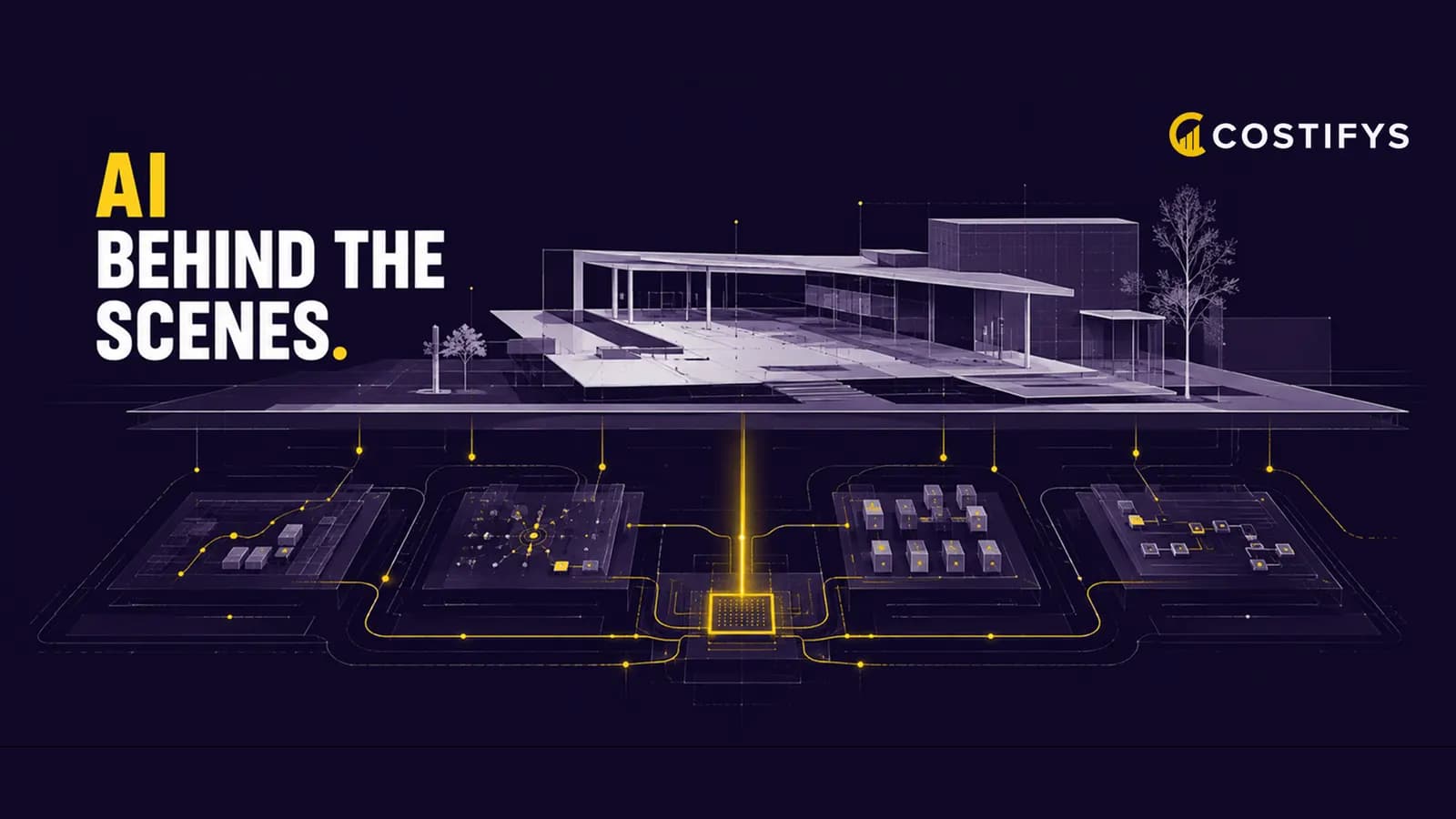
When most people think about AI in architecture, they picture generative design tools creating building forms or machine learning optimizing structural systems. But some of the most impactful applications of AI in architecture have nothing to do with design at all. They are about the business of running a firm: forecasting project costs, optimizing resource allocation, identifying at-risk projects, and automating administrative tasks that consume valuable professional time.
Where AI Is Making a Difference Today
Project Cost Forecasting
Traditional project budgeting relies on manual estimates based on experience and historical data. AI takes this further by analyzing patterns across hundreds or thousands of completed projects to predict likely costs with greater accuracy. Machine learning models can identify variables that humans often miss: specific client types that tend to request more revisions, project scopes that correlate with change orders, or seasonal patterns in project timelines. Firms using AI-assisted forecasting are reporting 20-30% improvement in estimate accuracy.
Early Warning Systems for At-Risk Projects
By the time a project manager realizes a project is in trouble, it is often too late to recover. AI can detect early warning signals by monitoring real-time data: hours burning faster than planned, tasks taking longer than similar tasks on past projects, invoice disputes increasing, or communication patterns shifting. These signals, analyzed in combination, can flag a project as "at risk" weeks before a human would notice the trend.
Intelligent Resource Allocation
Matching the right people to the right projects is more complex than it appears. It requires balancing skills, availability, development goals, client preferences, and project profitability targets. AI-powered resource planning tools can evaluate all these factors simultaneously and suggest optimal team assignments. They can also predict future capacity needs based on pipeline analysis and historical patterns.
Automated Administrative Tasks
AI assistants can handle routine administrative work that currently consumes professional time: categorizing expenses, drafting invoice cover letters, generating project status reports, summarizing meeting notes, and preparing data for proposals. None of these tasks require architectural expertise, but they collectively consume significant hours that could be spent on billable work.
What AI Cannot Do (Yet)
It is important to be realistic about AI's limitations in the context of firm management. AI is excellent at pattern recognition, data analysis, and task automation. It is not good at understanding nuanced client relationships, making judgment calls about design quality, or navigating the political dynamics of a complex project. Human leadership and professional judgment remain essential and irreplaceable.
The most effective approach is to use AI to handle data-intensive analytical tasks and routine administration, freeing up human professionals to focus on the relationship-building, creative problem-solving, and strategic thinking that actually drive firm success.
Getting Started with AI in Your Firm
Start with Data Quality
AI is only as good as the data it learns from. Before implementing any AI tools, ensure your firm has clean, consistent historical data on project budgets, time tracking, client outcomes, and financial performance. If your data lives in scattered spreadsheets with inconsistent formatting, AI tools will not be able to extract meaningful insights.
Choose Embedded AI Over Standalone Tools
The most practical AI implementations are embedded within the tools your team already uses. An AI feature built into your project management platform that automatically flags at-risk projects is far more useful than a separate AI tool that requires manual data import. Look for platforms that incorporate AI naturally into existing workflows.
Set Realistic Expectations
AI is not magic. It will not instantly solve every operational challenge. Start with one specific use case - like project cost forecasting or automated time categorization - and measure the results over 3-6 months. Once you see tangible benefits, expand to additional applications.
Costifys AI Features
Costifys incorporates AI throughout its platform: predictive project budgeting that learns from your firm's historical performance, automated early warning systems for at-risk projects, intelligent resource suggestions, and AI-assisted proposal generation. These features work within the tools your team already uses, requiring no additional training or workflow changes. The goal is simple: let AI handle the analysis and automation so your architects and engineers can focus on what they do best.
Written by the Costifys editorial team
Costifys publishes practice-management research for architecture and engineering firms. Articles are written and reviewed in-house against our editorial policy, which covers how we source figures, when we update articles, and how we handle claims about our own product.
See which plan fits your firm
Published per-user pricing, a free 14-day trial, and no credit card to start.
Get weekly A&E firm insights
Budgeting tips, utilization benchmarks, and product updates. No spam.