
Introducing Pipeline: Sales Tools Built for Architecture and Engineering Firms
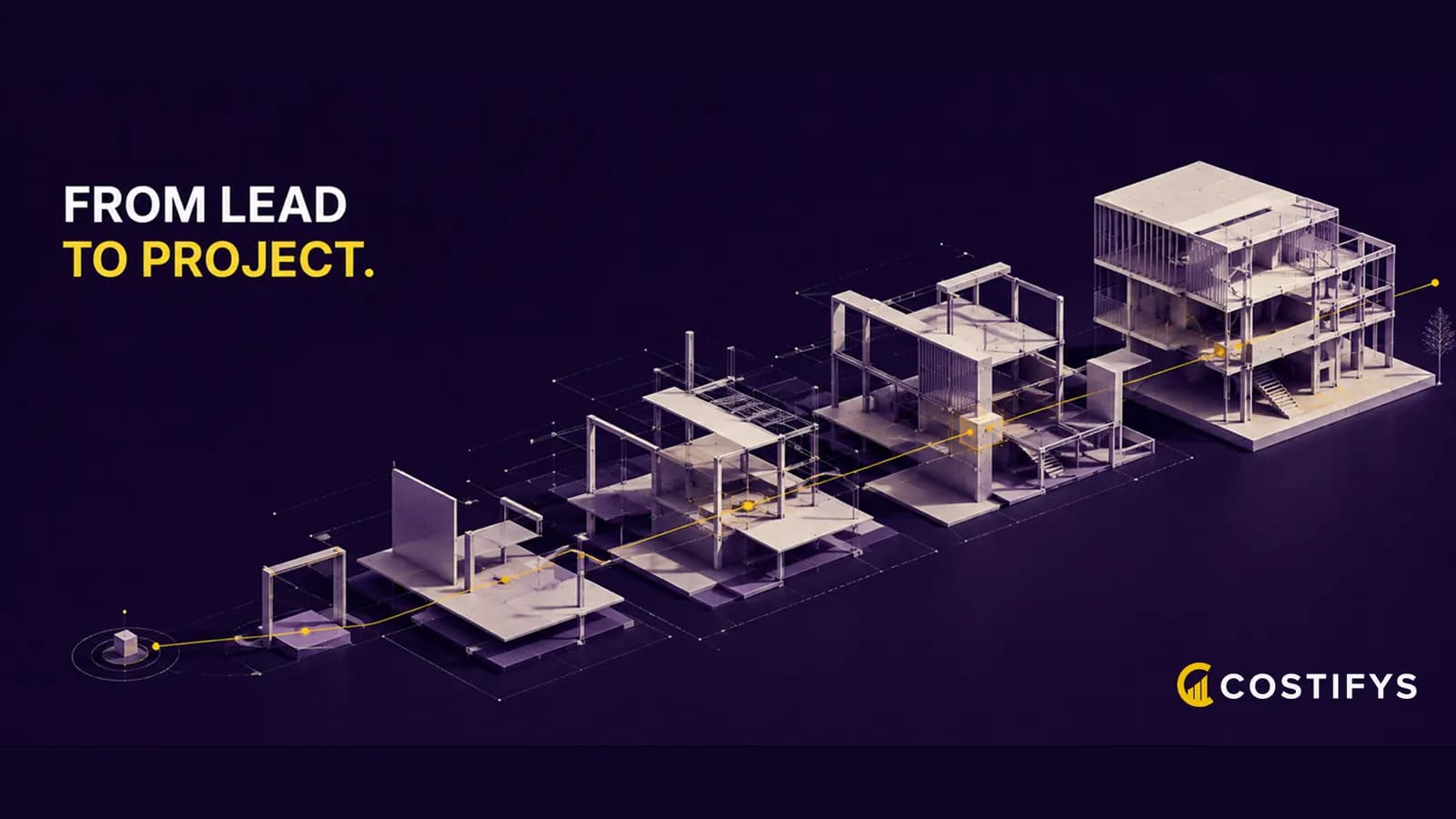
Architecture and engineering firms run on two engines. The project engine delivers the work. The business development engine fills the funnel that becomes next year's projects.
Most firms invest heavily in the first one and almost nothing in the second. That asymmetry is the gap Pipeline closes.
Today we are introducing Pipeline, a new section of Costifys built around the lead, the proposal, and the moment a deal becomes a project.

Business development deserves real tools
Walk into ten A&E firms and you will find the same setup. A spreadsheet of leads kept by one principal. A folder of proposal Word documents on someone's hard drive. A project management tool that only knows about projects after they are signed.
Each layer is disconnected from the others. The cost of that disconnection shows up in three places.
- Leads go cold. Nobody clearly owns a new inquiry, and weeks later nobody can find the trail.
- Proposals lose data. Phases, fees, and scope live as paragraphs in a Word file, not as structured records.
- Projects start cold. The PM opens a fresh shell on Monday morning and rebuilds context the salesperson already had.
What Pipeline does
Pipeline turns the pre-sale lifecycle into one connected flow. Leads, proposals, and projects all live in the same system, and information passes between them without retyping.

See every opportunity in one place
Open the new Leads view and every active opportunity is right there, organized by stage. Drag a card from Inquiry to Qualified, Qualified to Proposal Sent, all the way through Won or Lost. The Kanban view gives you the bird's eye sales picture. The List view gives you fast triage.
Each lead carries who created it, when it was captured, the source, the assigned owner, and how long it has been sitting in its current stage.
Build proposals from real lead data
Click Create Proposal on any lead and the proposal drawer opens pre-filled. Client, contact, project name, and fee estimate all carry over. You add the phase breakdown, scope language, and any consultant fees, then send it.
Proposals only come from leads. There is no standalone create button. That rule keeps the audit trail intact and means every proposal can be traced back to the inquiry that started it.
Convert wins into projects automatically
The instant a lead is marked Won, or a proposal is signed via e-signature, the linked project flips from Proposal status to Active.
Phases are already in place. The fee is already set. The PM is already assigned. A YY-NNN project number is generated using the firm's running sequence so the new project looks like every other project in your list.
The PM does not set up the project. They start working on it.

Know your numbers
Pipeline gives you the sales data your firm has not been able to see clearly before.
- Win rate by source. Referrals, RFPs, cold outreach, repeat clients. See which channels actually produce signed contracts.
- Average days to close. How long a typical lead sits in each stage before moving forward or stalling.
- Pipeline value. Total estimated fees in motion, weighted by stage probability so the headline number reflects reality.
- Stalled leads. Anything sitting in the same stage longer than your firm's typical cycle, surfaced before it goes cold.
For owners who have always wanted a sales dashboard for the firm, this is it.
What ships in this release
Pipeline is a coordinated set of changes across leads, proposals, and projects.
- Leads board and list. Kanban with drag to stage transitions, list view for fast triage, business rule guards on stage moves, and a Created by audit trail.
- Proposal lineage. Every proposal ties back to a lead. The drawer pre-fills from the lead and creates a draft project at the same moment, so phase data has a permanent home.
- Phase carry through. Phases entered on the proposal land on the project on win, including dates, fees, and budget hours. The Phase Timeline view renders the bars immediately.
- Atomic conversion. Win a lead and the project, phases, rollups, and audit log all commit together or not at all. No more half converted leads.
- Project numbers. Auto generated YY-NNN identifiers per firm, restarting at 001 each year. Matches the filing convention firms have used for decades.
Get started today
If you are already on Costifys, Pipeline is live in your firm right now. Open Pipeline in your sidebar and start with Leads. Existing proposals, projects, and time entries are untouched. This is purely additive, and new work flows through the chain automatically from here.
If you are new to Costifys, the fastest way to see Pipeline is a quick walkthrough with our team. We will show you how a single inquiry becomes a fully staffed project in under five minutes.
The pre-sale process deserves the same rigor as project execution. Pipeline is how we make that real.
Written by the Costifys editorial team
Costifys publishes practice-management research for architecture and engineering firms. Articles are written and reviewed in-house against our editorial policy, which covers how we source figures, when we update articles, and how we handle claims about our own product.
Explore all Costifys features
Time tracking, invoicing, staffing, AI tools, pipeline, and client portals - all in one platform for A&E firms.
Get weekly A&E firm insights
Budgeting tips, utilization benchmarks, and product updates. No spam.